Instructions
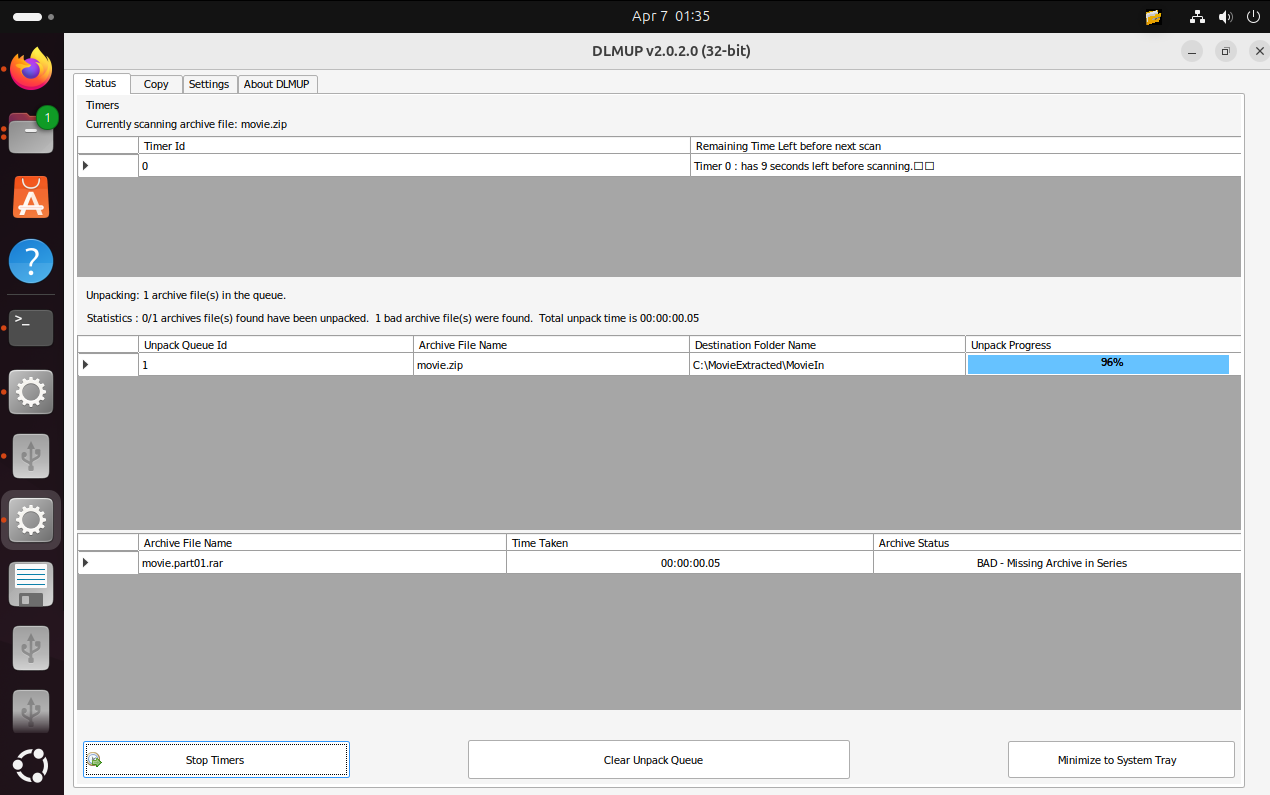
The following instructions and terminal commands will assist with installing Wine, Mono and DLMUP 32-bit on Linux. This tutorial was performed on Ubuntu 24.04.4 LTS.
sudo apt-get update
sudo apt-get install wine32:i386
Download DLMUP 32-bit here: https://www.dlmup.com/home/download_windows_32_bit
Download Mono to help Wine run DLMUP by downloading latest Mono from:
https://dl.winehq.org/wine/wine-mono/
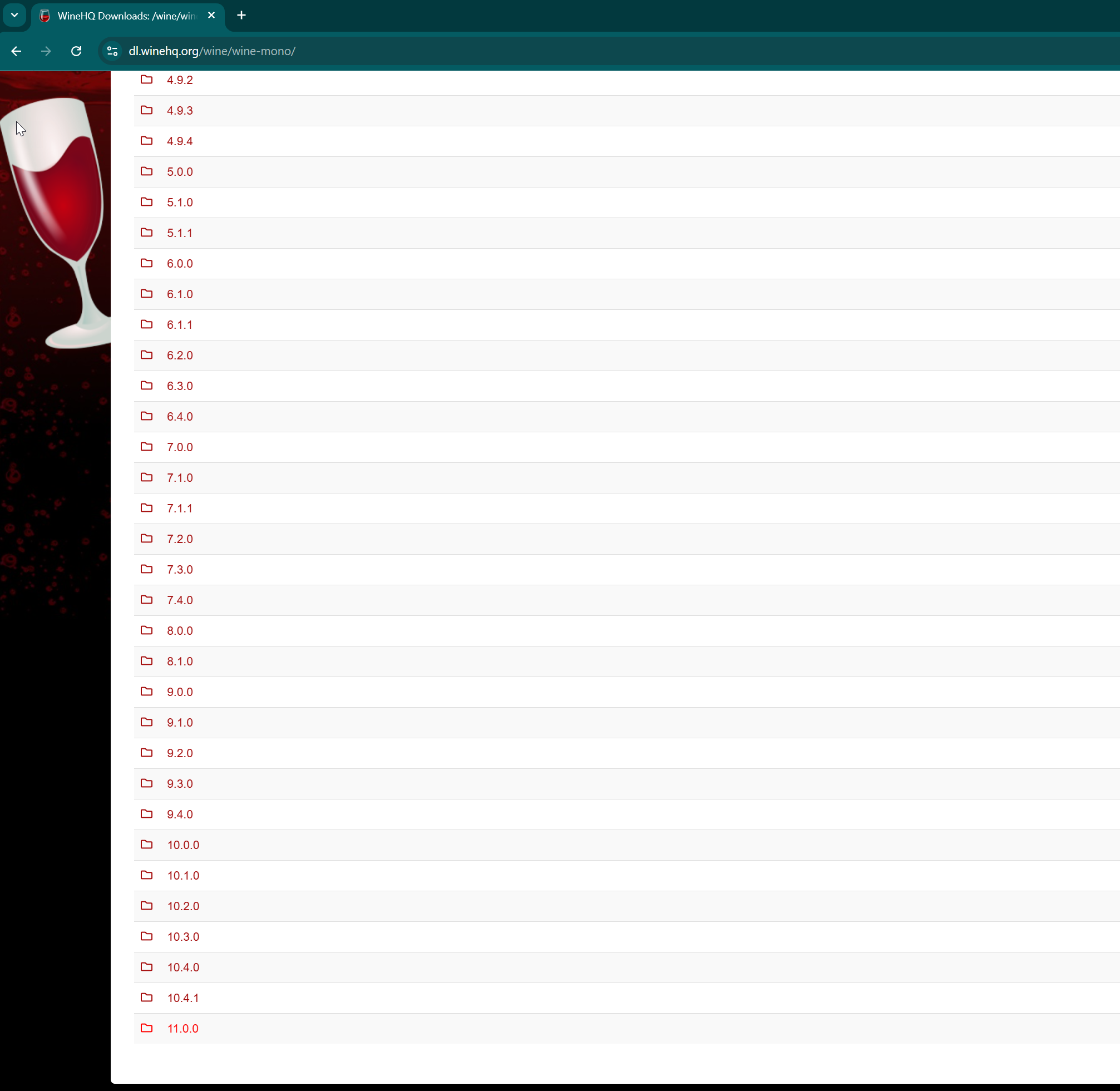
Also download latest x86 .NET 10.
https://dotnet.microsoft.com/en-us/download/dotnet/thank-you/runtime-desktop-10.0.5-windows-x86-installer?cid=getdotnetcorea
Then in Terminal run:
wine uninstaller
And use the Libraries tab and click Install button to install Mono and .NET x86 and DLMUP 32-bit MSI or EXE files.
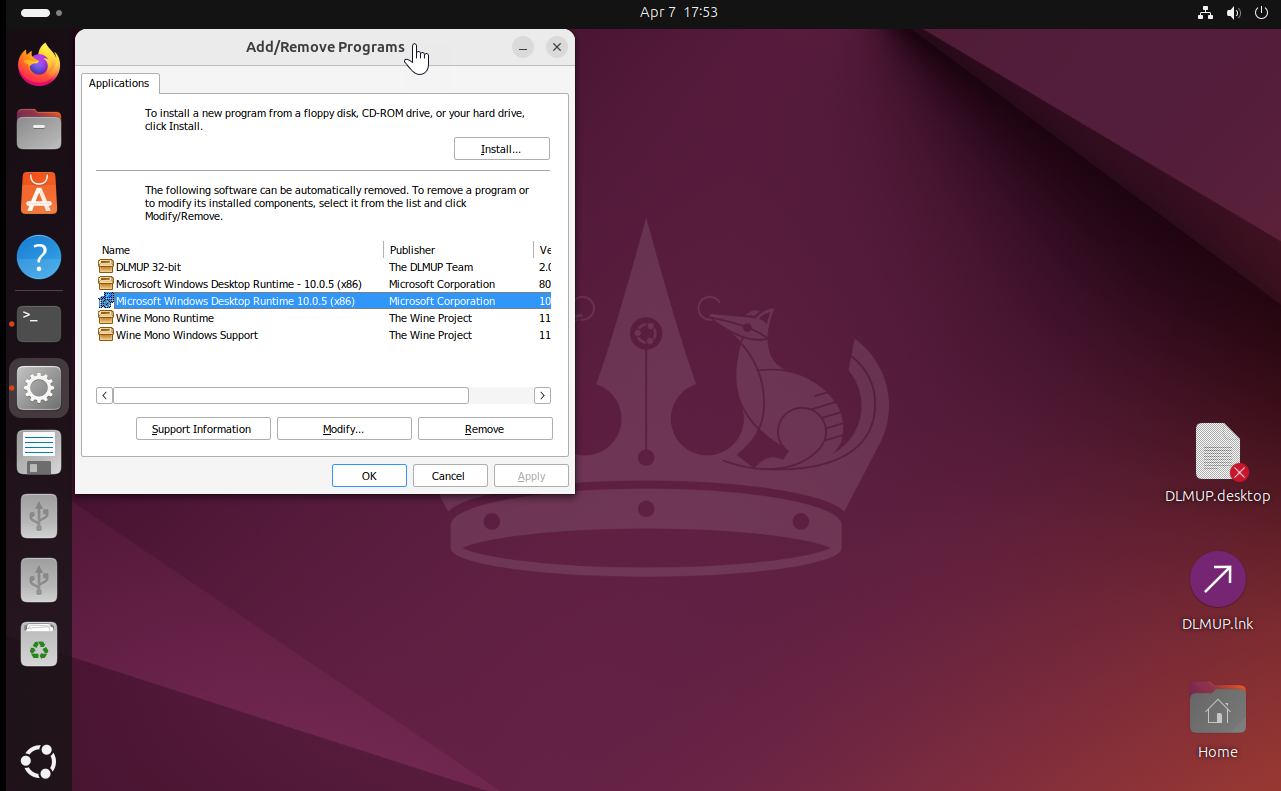
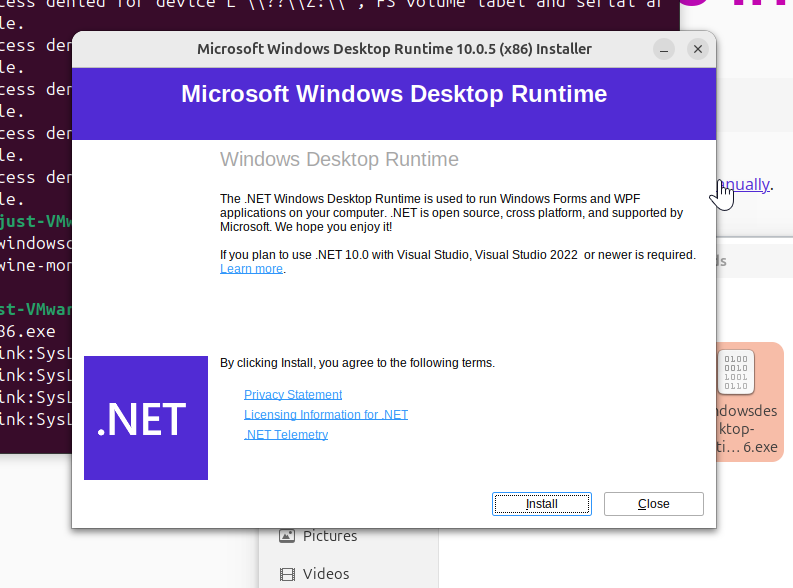
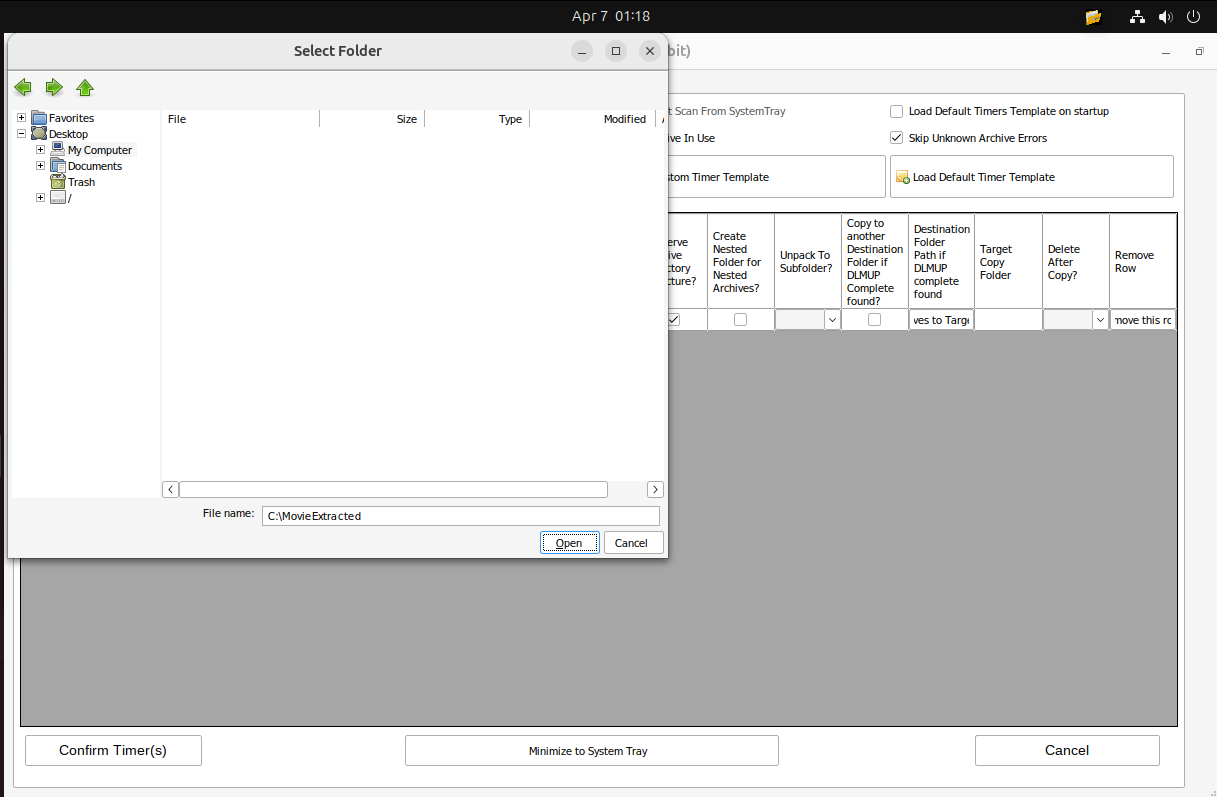
If you are having problems with Folder dialogs not opening or other weird behaviour, using the Wine Configuration tool: winecfg.
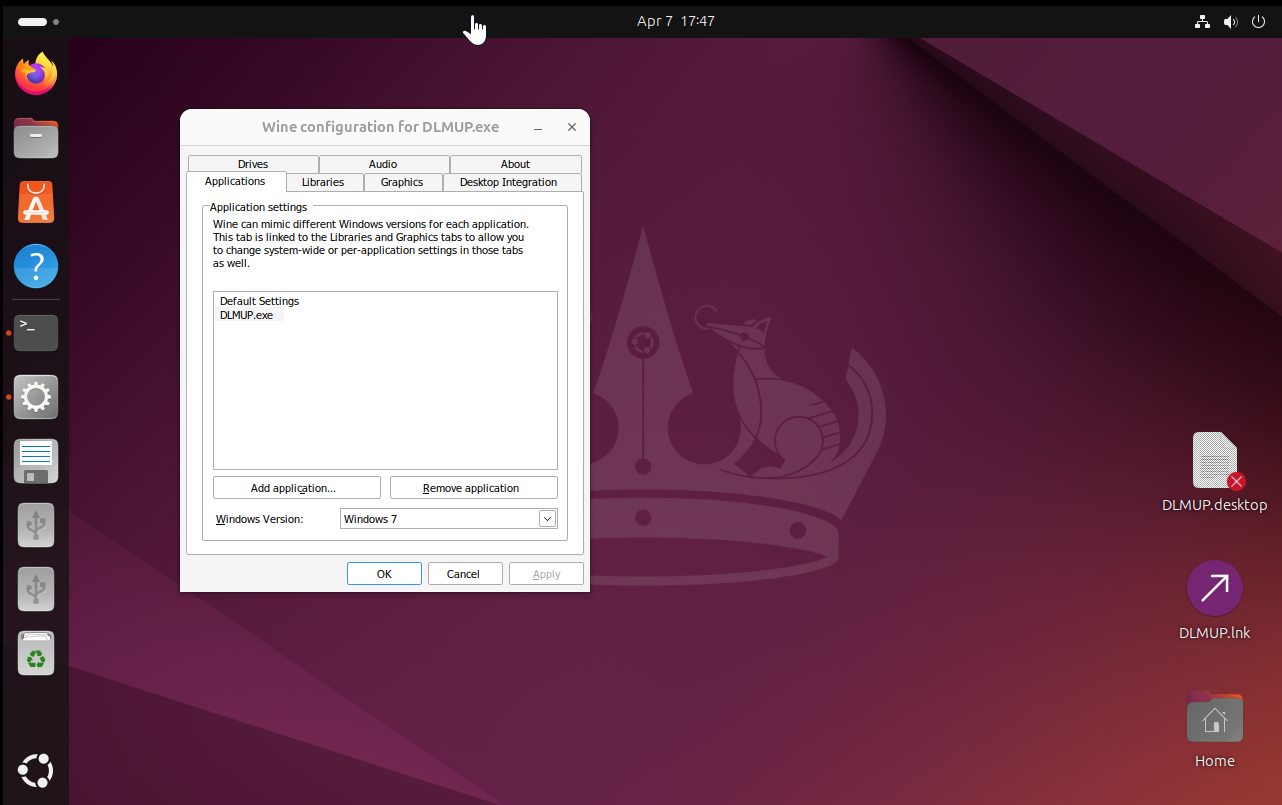
winecfg
Winecfg may help by setting application compatibility to Windows 10 or earlier.
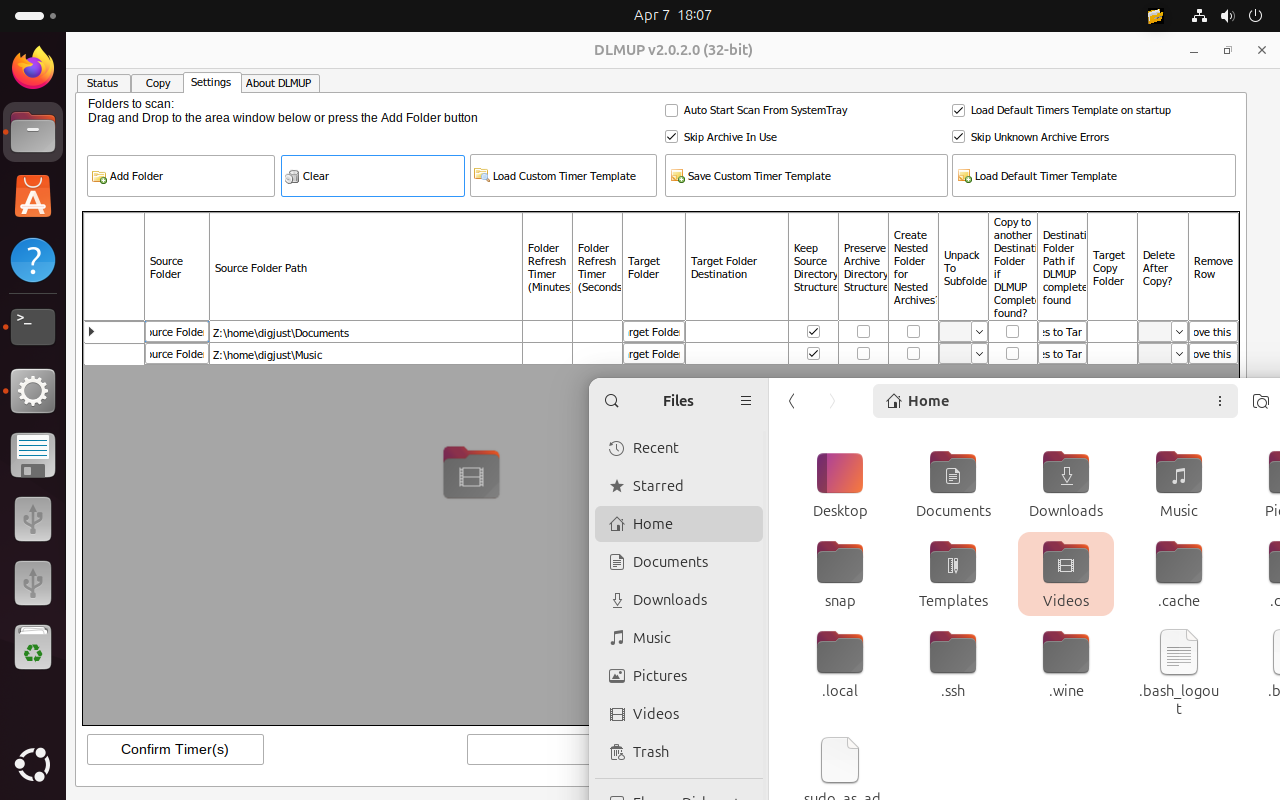
Note: dragging and dropping folders to the Settings panel has been tested and works.
Further troubleshooting
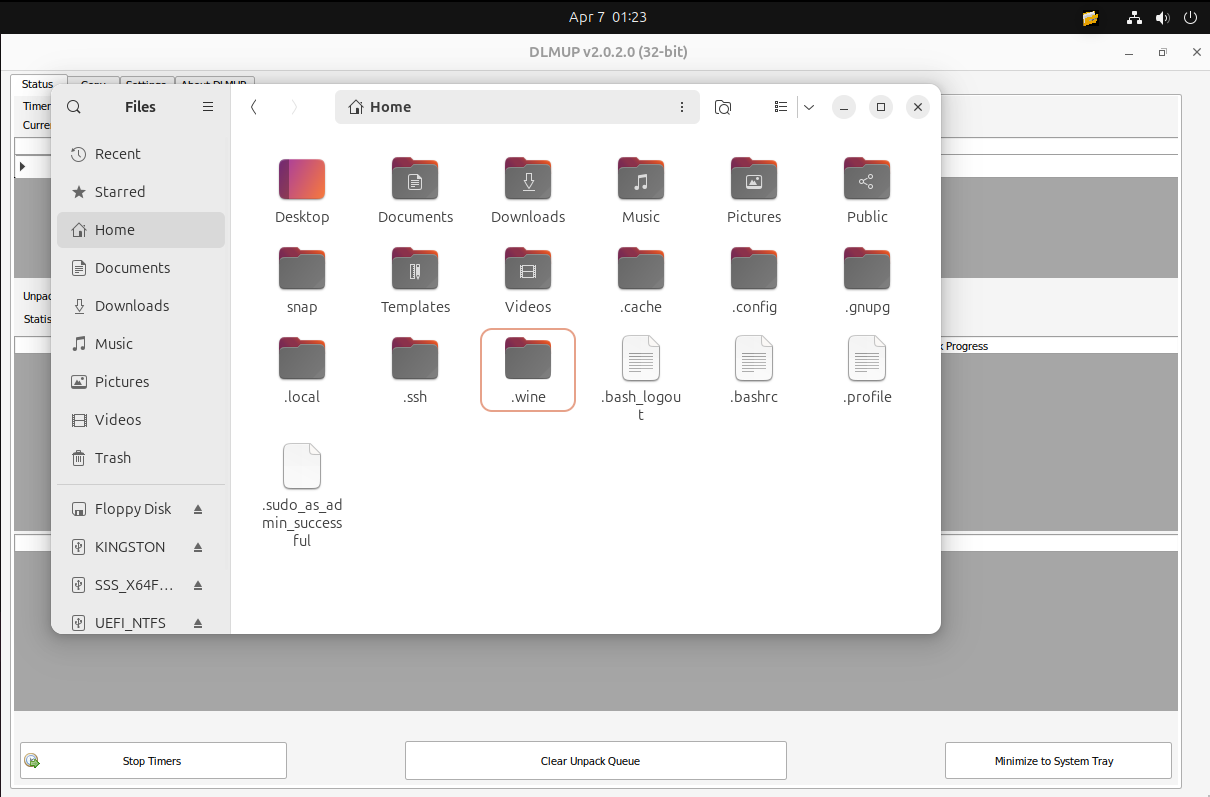
Pressing CTRL-H in Ubuntu File Explorer will help you see the hidden wine directories.
If you need to navigate to the DLMUP program files directory in Linux, use the following Terminal commands:
cd ~/.wine/drive_c
cd 'Program Files (x86)/'
cd DLMUP
wine DLMUP